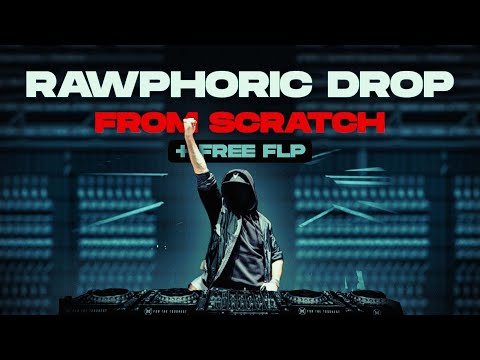






In this tutorial

My notes from this video
The first thing I do is open a piano to get inspired. I use Nexus for this, because it has some simple pianos. Really generic sounds. Then a ping pong delay and more reverb, and I get inspired.
Once the chords are there, I change the piano to a pad, because I really hate that sound.

I'm laying down the basics, so we immediately have a really full song. It's a really ominous vibe, so I want a choir. A double choir even, one in Kontakt and another one in Nexus.
Then an arpeggio playing. I take a sound from Spire, copy the chords in and use Tools, Arpeggiate. And we need a really big reese for the bass.
I make the build up here, so we can easily go into the drop. On the background I add a second snare. It's like this tech house thing where one snare just builds in the background and rises in pitch. I make an automation clip from the pitch of the sample and link both snares to the same clip.
Always make more snares in the build up, not only one, because it's really boring.
When the melody doesn't come, I change to a different sound, because I need to get inspired a little bit. A really aggressive full synth. I use Spire for this, I like the power of Spire a bit more.
Even then, it's getting really tough to make the melody in this short time.
For the kick I add Nimble Kick and go into our kick packs. I do it really quickly, because there are only 15 minutes left. I render the kick, then add a snare to the punch. Then I render some reverb and automate the volume.

FL Studio·Nexus·Kontakt·Spire·Serum·LABS·EchoBoy·ValhallaRoom·Nimble Kick·FabFilter Pro-Q·Fruity Delay 3·Fruity Parametric EQ 2

1-Hour Track FLP
Get this one free, plus hundreds of harder-style sounds, presets & project files. Unlock our freebie vault.
We only send you harder-style content. Unsubscribe anytime.
Open the Freebie Vault