





My notes from this Short
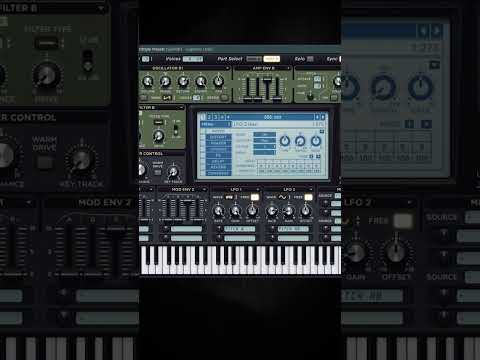
Two saws and a fine tuned oscillator B
First I take two saw waves and take them down two octaves. I add the always mode so it slides to the next note, and then I change the fine tune of oscillator B. If you now go from a low to a high note, you get a very cool phasing effect.
Feel free to add some unison to either one of these. You can also add a little bit of wideness with a chorus, a vocal doubler or anything you like.
Remove the highs before the distortion
I always like to remove the highs before my distortion. Then I add the distortion, and after the distortion I boost the highs again.
Then I add more OTT, a corrective EQ to make it less harsh and a compressor to glue it together.

One more EQ in front of the distortion
Now I go in front of my distortion, add one more EQ, change some frequencies and see what happens. This way you can control the character of your reese.
If you really want to go crazy, add a plugin like Rift or something special. Go through the presets and put that in front of the distortion.
OTT·Rift·FL Studio·Fruity Chorus·Vocal Doubler·Fruity WaveShaper·Fruity Parametric EQ 2·Fruity Compressor

Want some free packs? Unlock our freebie vault.
We only send you harder-style content. Unsubscribe anytime.
Open the Freebie Vault