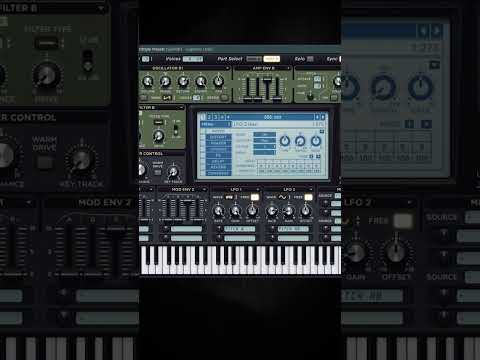






My notes from this Short
Gate the noise out in Edison
I just made a kickroll and want to add something interesting to make a cool drop. If I drop this sample in, it doesn't really work, it's pretty boring.
So I go to Edison, load in the sample, zoom in and select a part of the sample that's pretty wide. Acquire a noise threshold, gate the noise, then drag and drop it into the project and fit it to the time.

Rearranged chunks on the offbeats
Now I can take chunks of this sample, rearrange them and get some inspiration. I just add those on the offbeats.
Process it like a screech
As you know, you can change everything into a screech. I get rid of a lot of lows, add OTT for more clarity, a lot of distortion and OTT one more time.
Then one more EQ to get rid of the bass, and a compressor with a little bit of sidechain. Now combine it with a screech in a few places.

Want more free harder-style packs?
One signup unlocks our whole Freebie Vault: kicks, presets, templates and project files.
We only send you harder-style content. Unsubscribe anytime.
Open the Freebie Vault