





My notes from this Short
01
Four Serums in two Layer plugins
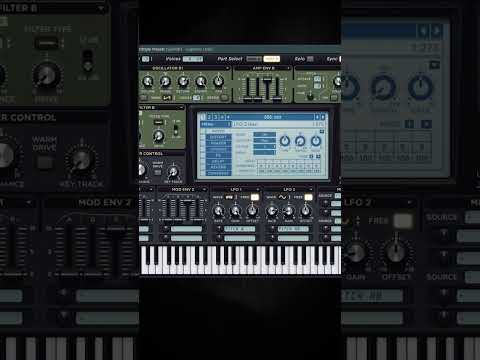
I open up four Serums and two Layer plugins. In the first Layer plugin I select two leads and set children, so both of those play together. Then I do the same for the chords.
02
Separate buses into one main bus
Then I route these to the mixer and create separate buses. I route those two buses into a main one, where I remove the bass.

03
Strip the effects from the presets
Choose your presets and remove all the effects. Then create your reverb and delay buses and route these together.
Because everything is separated, you can control each lead individually, add some effects and make everything clean.

Want the full version?
Layering Masterclass 3: Lead LayersFull tutorial, 25:34Access hundreds of harder-style sounds, presets & project files
Want some free packs? Unlock our freebie vault.
We only send you harder-style content. Unsubscribe anytime.
Open the Freebie Vault