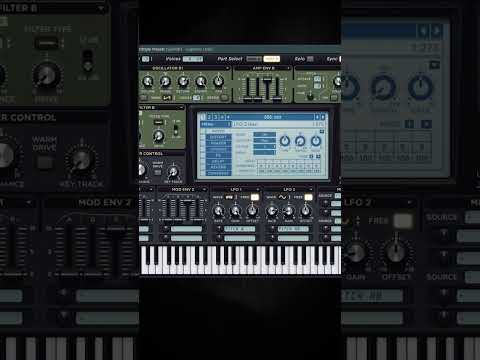






My notes from this Short
Crossovers and band gain for tone
When I open the compressor and change it to multiband, I suddenly have three frequency bands, downwards compression and upwards compression.
First, I can change the crossover frequencies between the bands, and the gain of each band as well. This gives you a lot of tone control.
The threshold goes from downwards to upwards
The threshold changes it all the way from downwards to upwards. Upwards compression is the inverse of downwards compression. With downwards compression, any sound over -17 dB, say -10 or -9, gets pulled down to -17 dB. With upwards compression, any sound underneath -17 dB, say -40, gets pulled up to -17.
That goes based on the attack, the release and the compression ratios. Attack means how fast it starts compressing and release means how fast it stops compressing.

Switch a band off with its ratio
Here's something a lot of people don't know. If I take the threshold all the way down, I only have upwards, but I can change the compression ratio per band. If I put this at 0.5 for upwards, I'm suddenly not upwards compressing the high band. The same goes for the downwards compression.
If you start your multiband compressor like this instead, you can dial in the exact tone you want, instead of the extremely squashed OTT sound it loads up with.

Want some free packs? Unlock our freebie vault.
We only send you harder-style content. Unsubscribe anytime.
Open the Freebie Vault